Deploying with BT Panel
This document introduces how to deploy MediaGo using the BT Panel.
Prerequisites
- Only applicable for BT Panel version 9.2.0 and above
- Install BT Panel by visiting the official BT Panel website, select the stable version script for installation
Deployment
Log in to the BT Panel and click on
Dockerin the left menu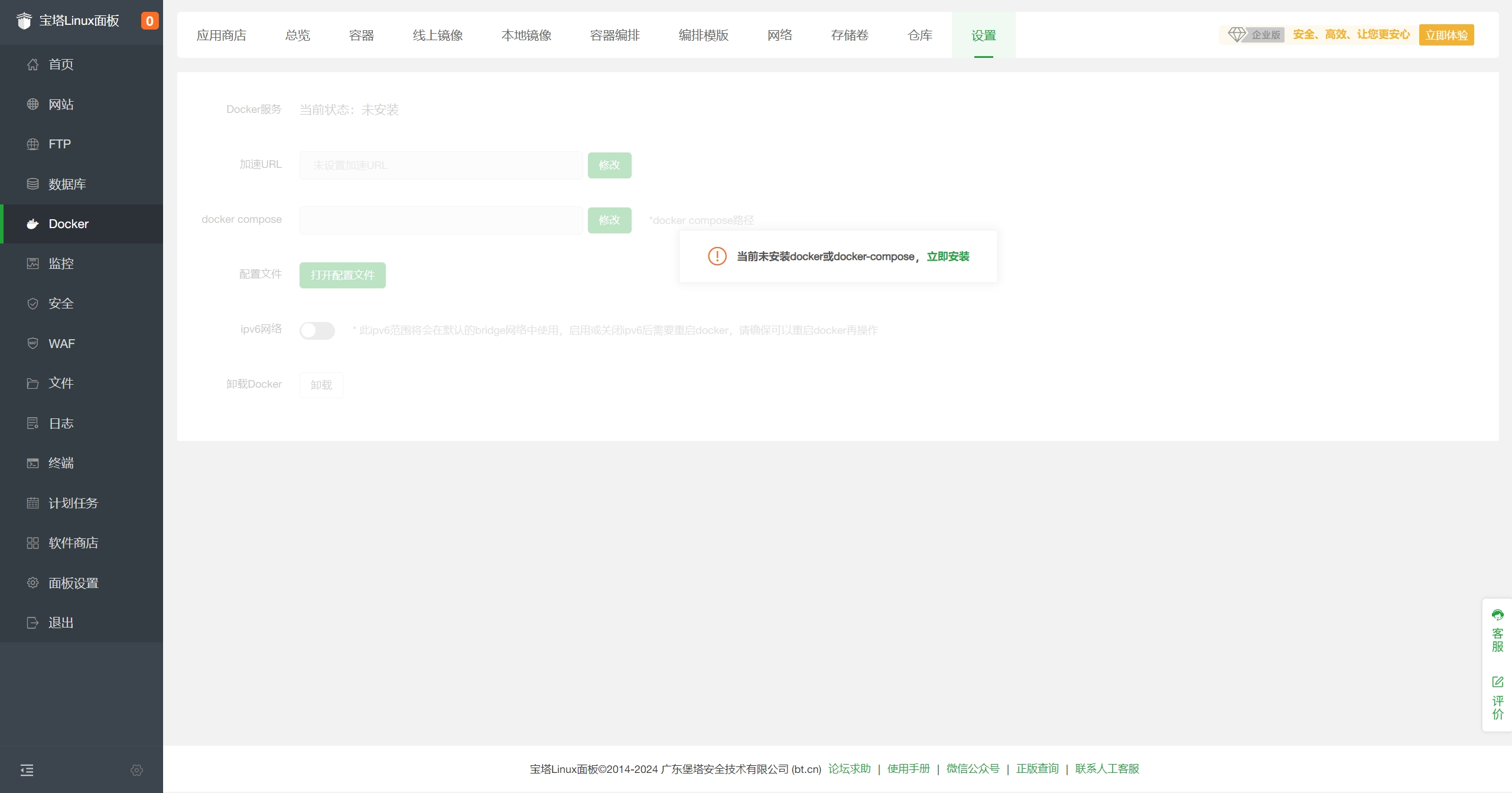
The first time, it will prompt to install
DockerandDocker Composeservices. Click "Install Now", and ignore if already installed.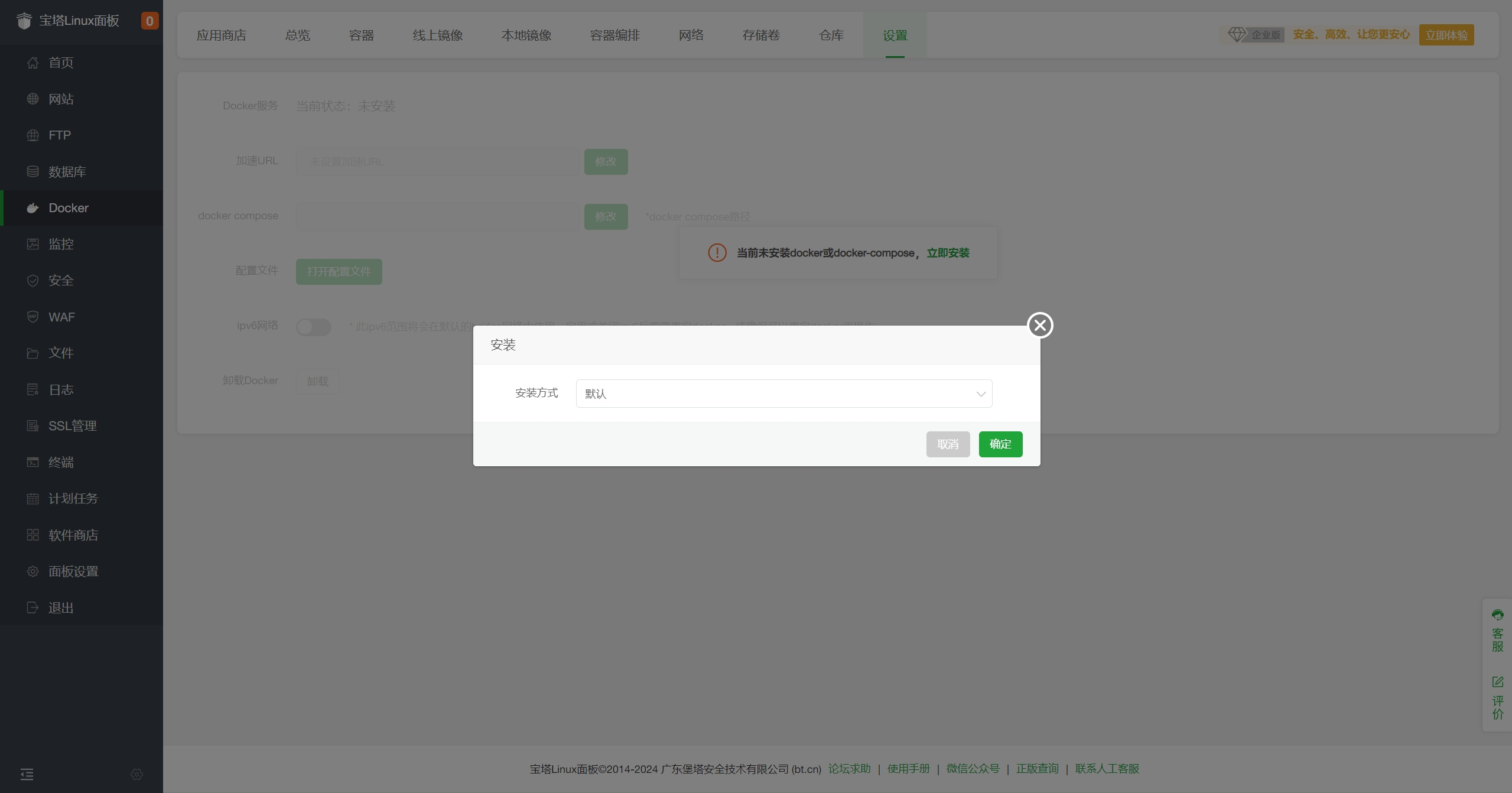
After installation, go to
Docker - App Store, findMediaGo, and clickInstall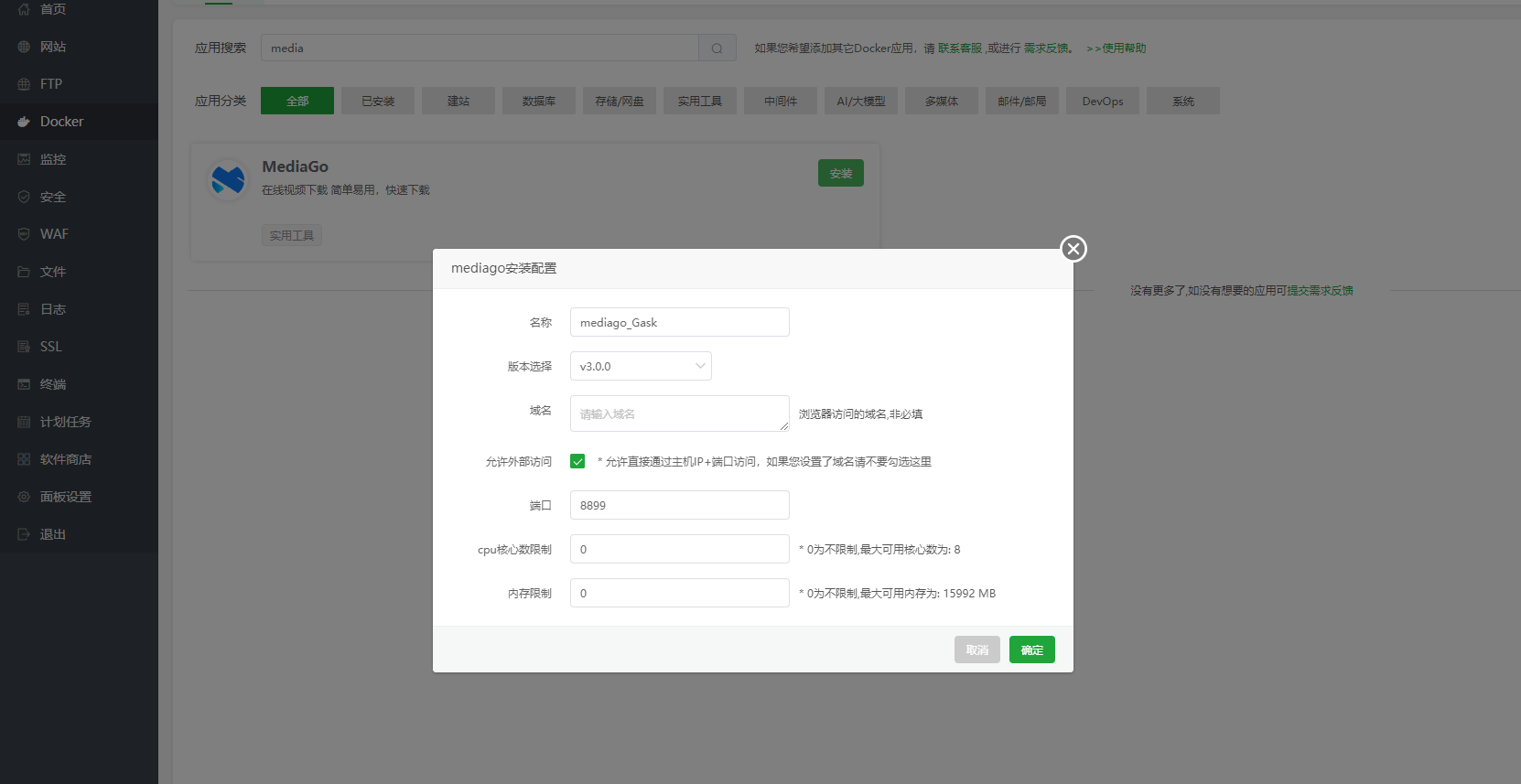
After submission, the panel will automatically initialize the application, which may take 1-3 minutes. Once initialization is complete, you can access it.
- Port: 8899
- Version: v3.0.0
Access MediaGo
Enter the domain in the browser address bar to access http://<BT Panel IP>:8899 to open the MediaGo console.